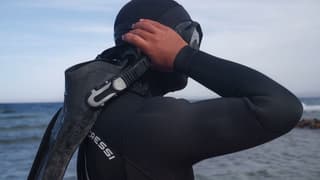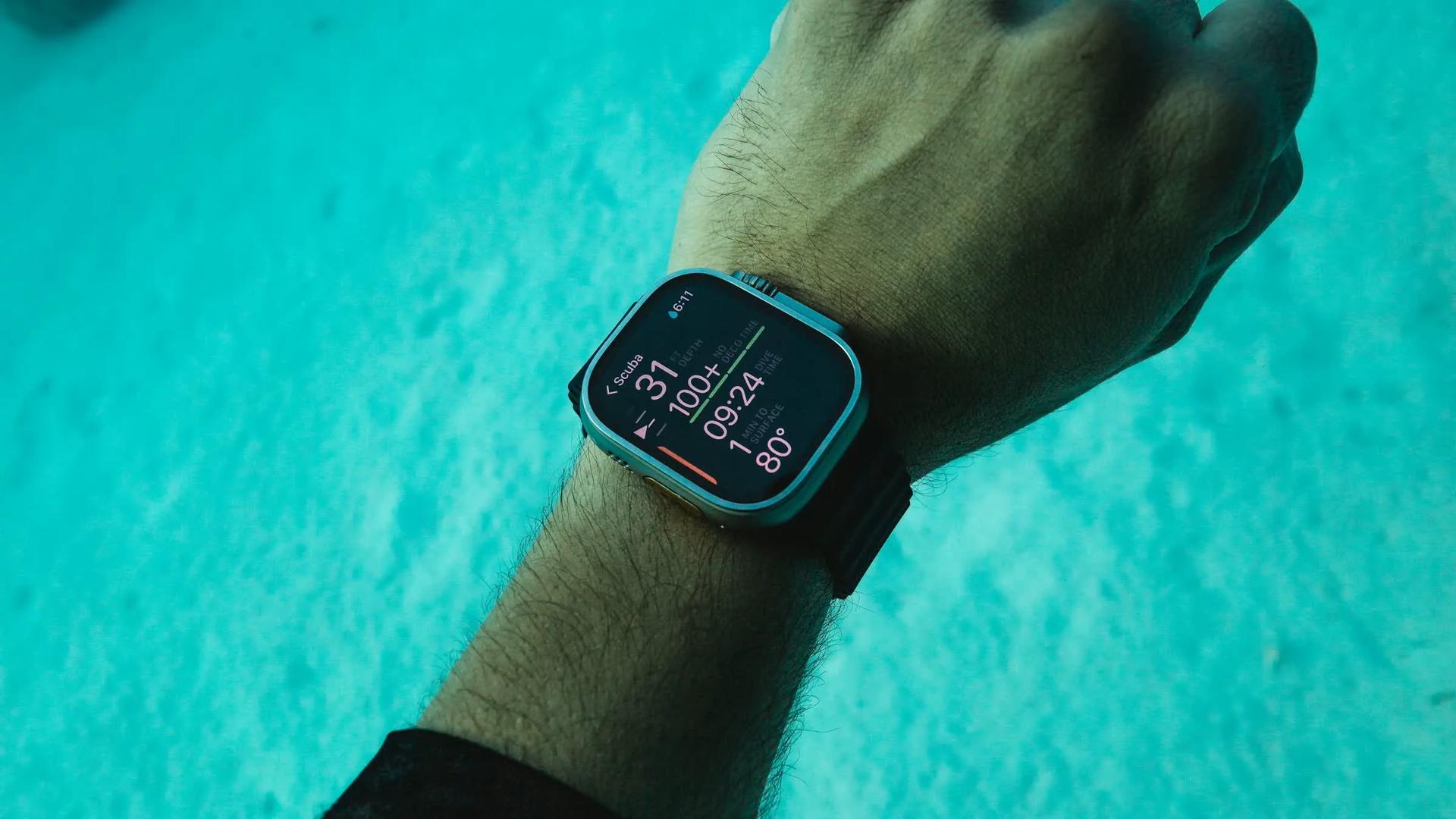
A freediving dive computer helps track depth, dive time, surface interval, alarms, and logs. It is useful once you train regularly, but it cannot replace a buddy, conservative planning, or instructor judgment.
A freediving computer can display depth, dive time and time spent at the surface. Models differ in how they start a dive, save its profile and deliver alerts. Choose by the functions you will use, then learn the manual before taking it into the water.
This is a feature checklist, with examples from the Suunto D4f and Garmin Descent G1 manuals. It is not a ranking or a hands-on review of those devices.
A dedicated freedive or apnea mode
Check that the manufacturer supports breath-hold diving and explains the relevant mode. A scuba-capable computer can be suitable if it also has an apnea mode; being designed for scuba does not by itself disqualify it.
Check the live display and the recording interval separately. For example, the Suunto D4f manual offers log intervals of 1, 2 or 5 seconds. A log interval describes saved data, not necessarily how often the sensor or screen updates.

A surface-interval timer you understand
An automatic surface timer helps you keep track of the rest between dives. Check when the timer starts, whether shallow movement resets it, and which screen shows it while you are supervising a buddy.
An elapsed interval is information, not clearance for another dive. Follow the plan appropriate to your training, recovery and conditions rather than treating a fixed multiplier as a universal safety rule.
Depth and time alarms
Check which depth, dive-time and surface alerts the model supports, whether they repeat and whether they apply during descent, ascent or both. Then test the settings in a suitable supervised session.
Alert types vary: the D4f manual describes audible alarms with a blinking backlight; the Descent G1 manual allows tone and vibration settings for custom dive alerts. Do not assume vibration is included. Hearing changes after diving need medical assessment, not a different alarm setting.
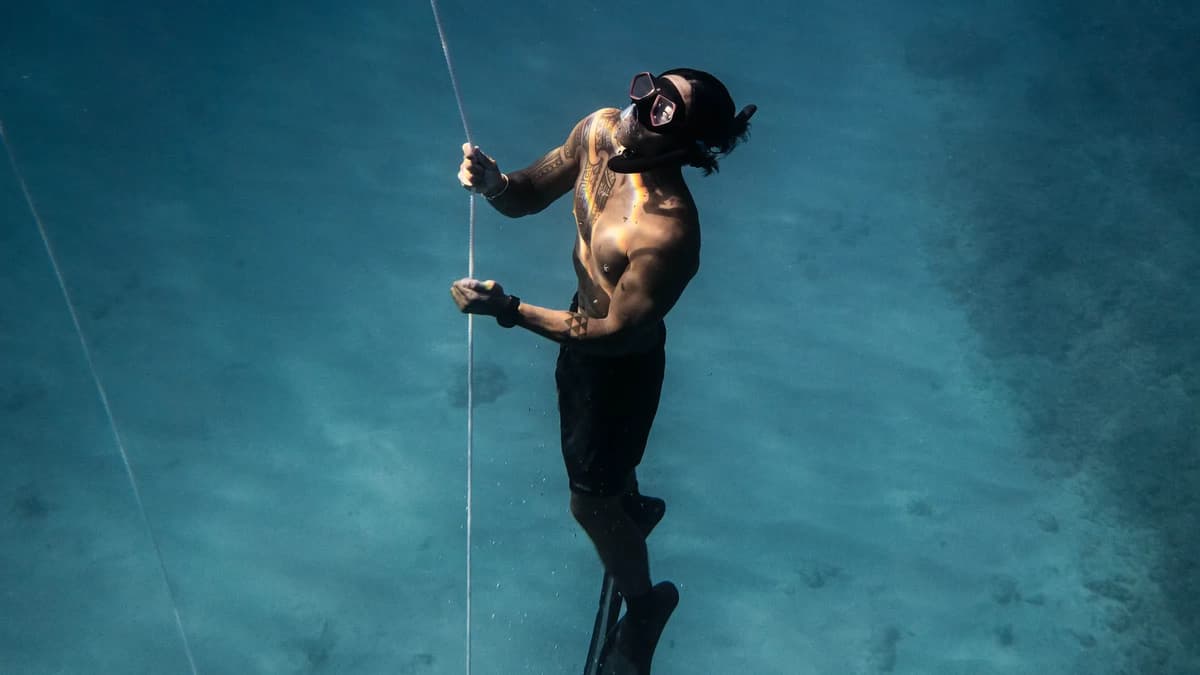
Logging and sync
Check log capacity, recording settings and how older dives are handled when memory is full. If sharing profiles matters to you, confirm the export method, required cable or app, and compatibility before buying.
A profile can help you and an instructor discuss a session, but it cannot establish how well you recovered or whether the next dive is appropriate. Add observations about conditions and the reason you turned.
Display, battery, and water activation
Automatic activation still requires a pre-dive check. Confirm the selected mode, battery, display, strap and alarms. The D4f starts a dive at a depth threshold if dive mode is enabled; simply getting the watch wet is not the same as confirming that it is recording.
Try reading the display while wearing your usual equipment. Check the manufacturer’s operating limits, battery servicing or charging instructions, and maintenance guidance. A device’s depth rating is an equipment limit, not a target for the diver.
What beginners can skip, and what no computer replaces
For a first purchase, start with supported apnea use, a readable display and the timers and alerts you understand. Extras such as multisport tracking or detailed analytics are preference and budget decisions; ask your instructor whether you need your own computer for the course.
No computer replaces an attentive, trained buddy. It cannot support your airway or bring you to the surface. Use it within the buddy system and the conservative plan agreed before entry.
Before using it in the water
- Find apnea mode and read any restrictions on switching between freediving and scuba modes.
- Set up and test alarms in a suitable supervised setting.
- Check how depth, dive time and surface time appear without searching through menus.
- Confirm the battery, strap and logging settings before the session.
Common questions
Can I use a regular scuba dive computer for freediving?
Some scuba-capable computers also support freediving. Check the specific model’s apnea mode, displays, logging, alerts and restrictions in its manual. Do not infer suitability or sampling behavior from the word “scuba” alone.
Are depth and time alarms on a freedive computer a real safety feature?
They can remind you of agreed limits if the model supports the alert and you have configured it correctly. Sound, vibration and display behavior vary. An alert cannot prevent every blackout or provide a rescue.
What features can a beginner freediver safely ignore at first?
Start with supported apnea use, readable depth and time data, and the surface timer and alerts you understand. Decide about GPS, training tables and analytics based on your intended use and budget, not a claim that they will make a dive safe.
Does a dive computer replace having a buddy?
No. A computer is an instrument that records and alerts; it cannot recognise a blackout, bring you up, or revive you. Those things require a trained, attentive buddy watching every dive. Treat the computer as a complement to the buddy system and conservative limits, never a substitute for them.